Keep the memories. Clear the clutter.
Turn an overflowing library into an easy review. Swipe through photos, compare similar shots, and act on helpful suggestions—always on your terms.
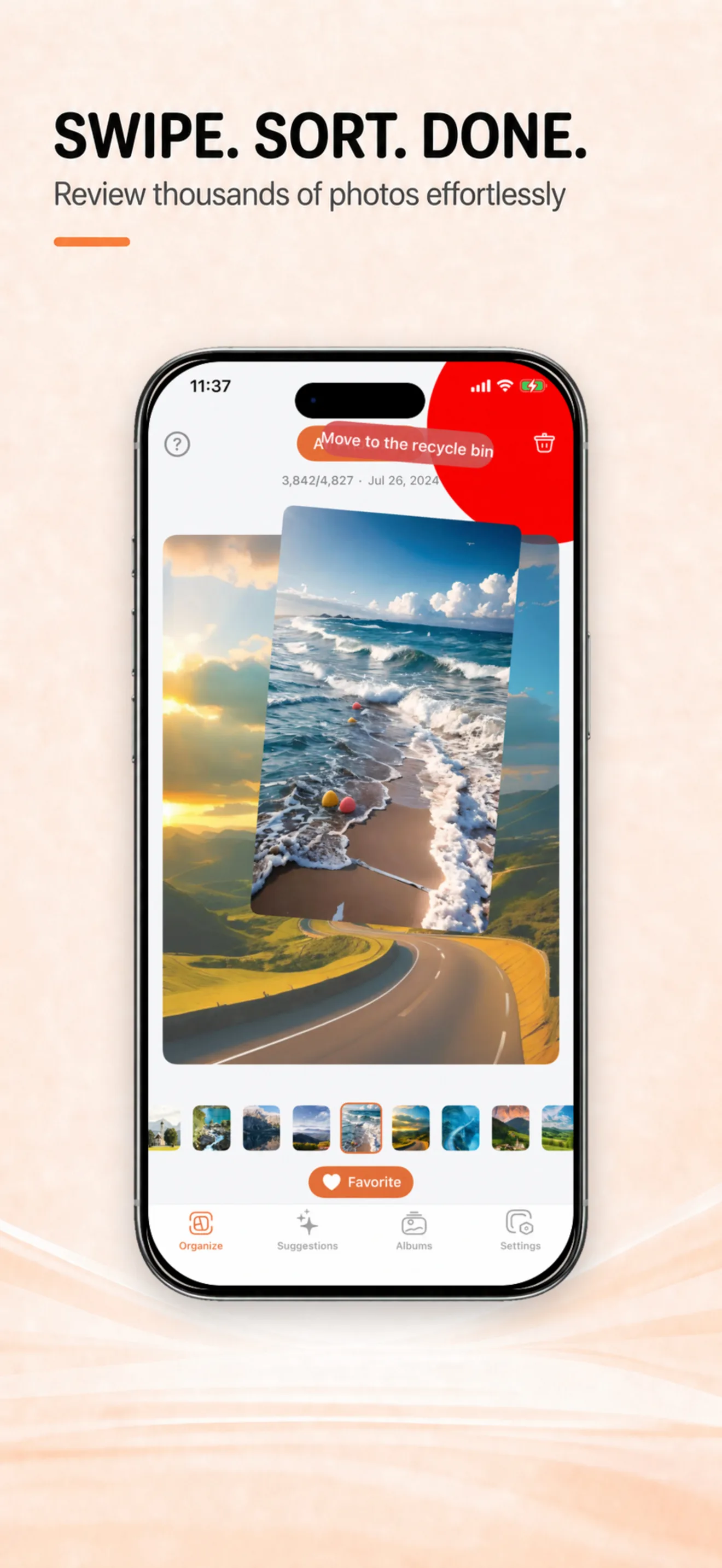
PicTidy helps you review photos, compare similar shots, and manage large videos, RAW photos, and Live Photos—with every decision in your hands.
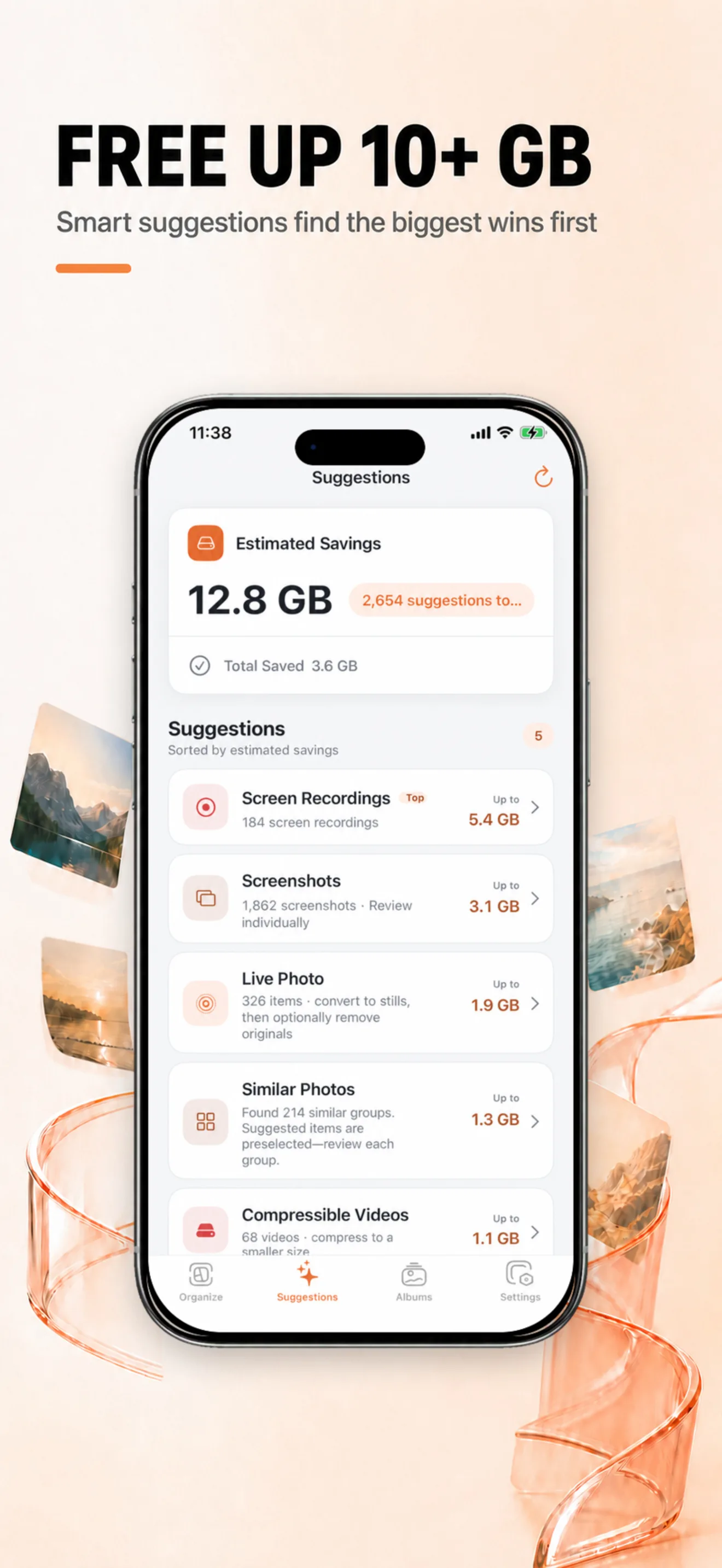
See what is worth reviewing first
Organization Suggestions bring similar photos, screenshots, screen recordings, large videos, RAW photos, and Live Photos together. Review each item before you decide what to do.
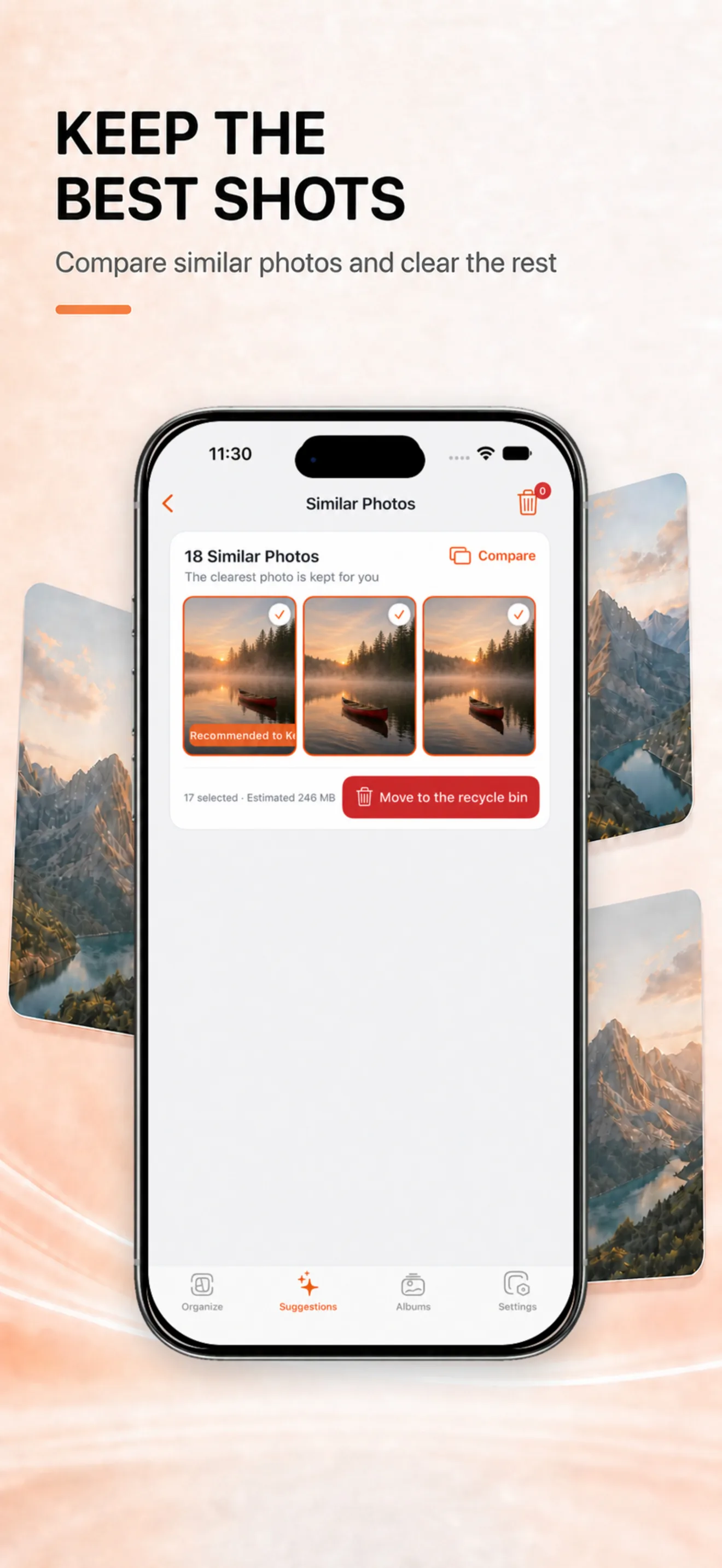
Compare similar photos. Keep the best shot.
PicTidy groups closely related photos and suggests one to keep. Zoom in, compare the details, then move the rest to the in-app Recycle Bin when you are ready.
A simple swipe keeps the flow going
Swipe up to move an item to the Recycle Bin and down to favorite it. Skip anything you are unsure about. Final deletion from your system library always needs your confirmation.
Make room for what comes next
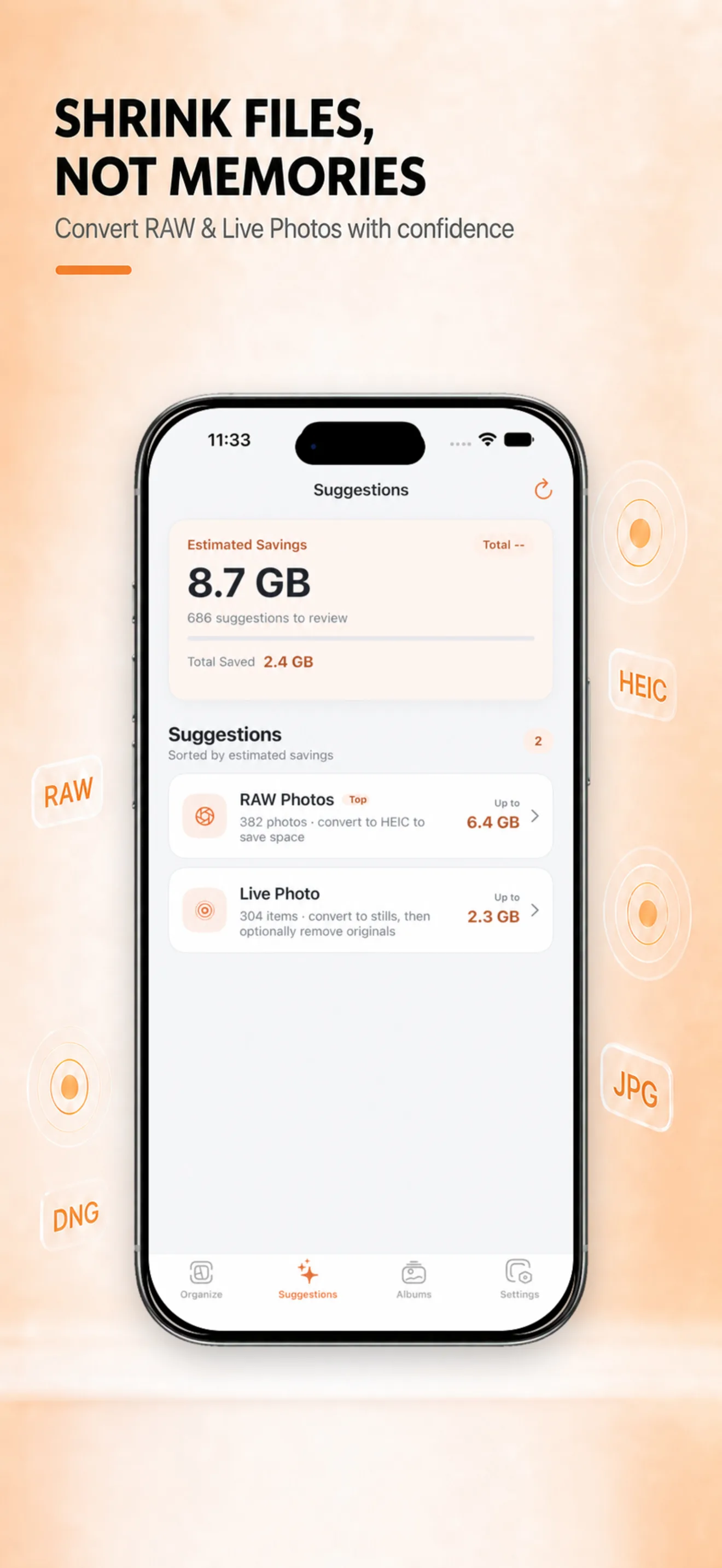
Review large videos, convert RAW photos to HEIC, and save Live Photos as still images. PicTidy shows a comparison before you confirm a conversion.
Your library stays on your device
Core organizing features do not require an account. PicTidy never deletes photos automatically—you review suggestions, compare results, and confirm every deletion or conversion.
Frequently asked questions
Will PicTidy delete my photos automatically?
No. PicTidy provides organization suggestions. Moving items to the in-app Recycle Bin, restoring them, and permanently deleting from the system library all require your confirmation.
What can I organize?
Browse photos, videos, albums, favorites, and Live Photos in one place. Suggestions can surface similar photos, screenshots, screen recordings, large videos, RAW photos, and Live Photos.
Do I need an account or an internet connection?
No account is needed for core organization. Photo analysis and organization happen on your device; some features may need to download original media from iCloud.
Where is PicTidy available?
PicTidy is currently available on the App Store for iPhone.